
How to give keycard or mobile access to Open Path Avigilon Alta
How to give a keycard access to unlock a door with OpenPath - Avigilon Alta
1. Navigate to https://access.alta.avigilon.com/o/5240/users
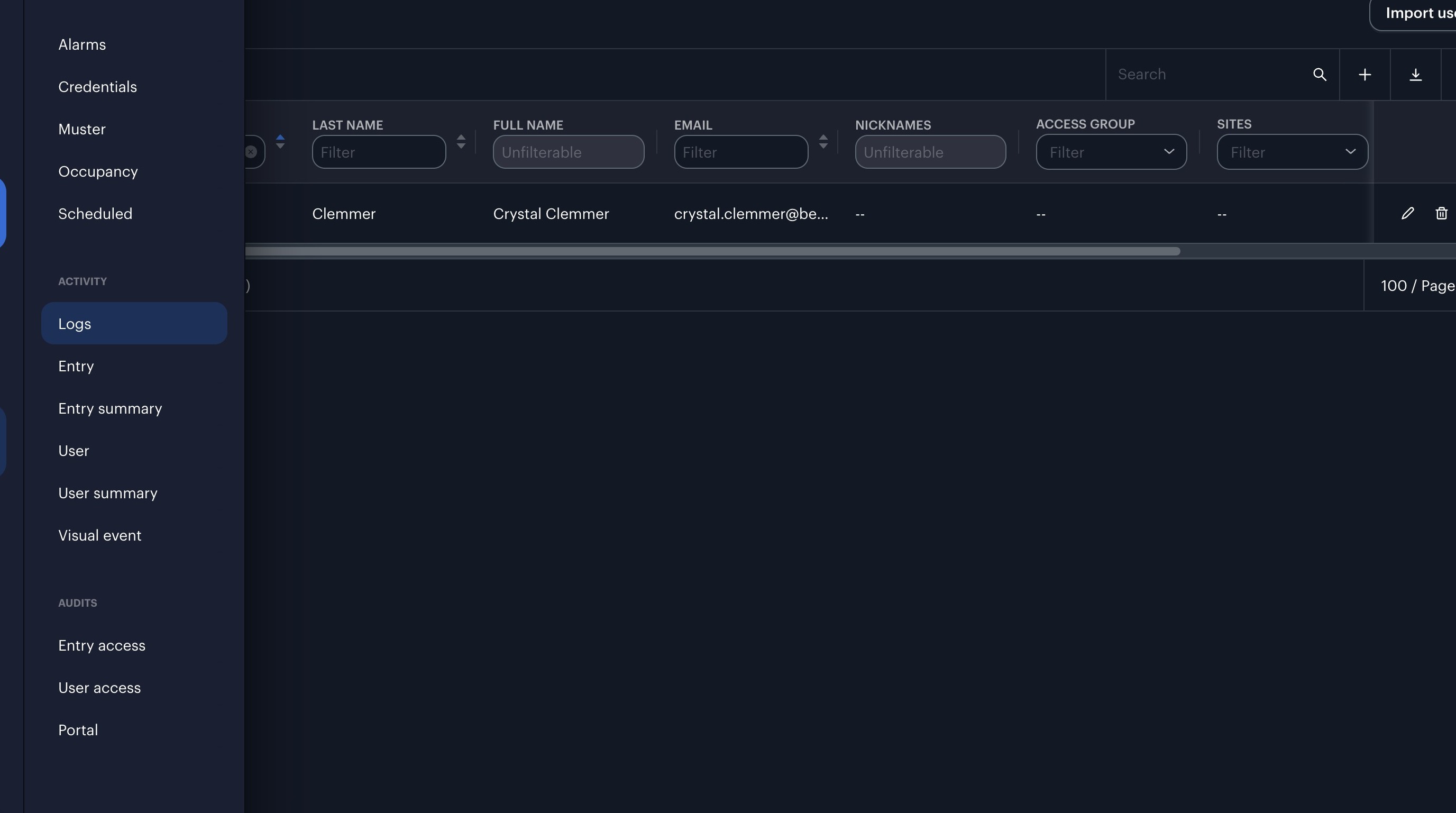
2. Click "Logs"
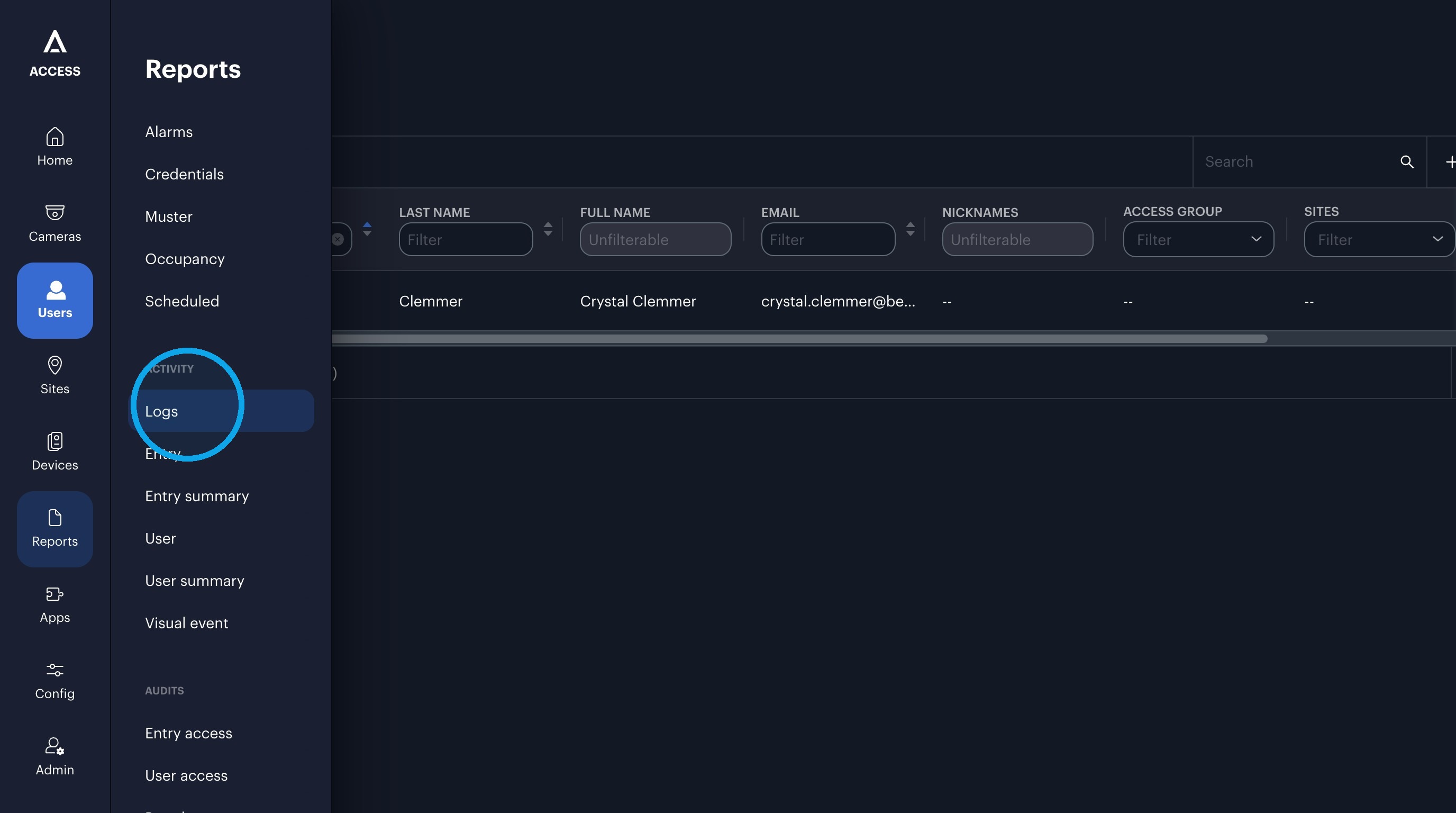
3. Click "Search"
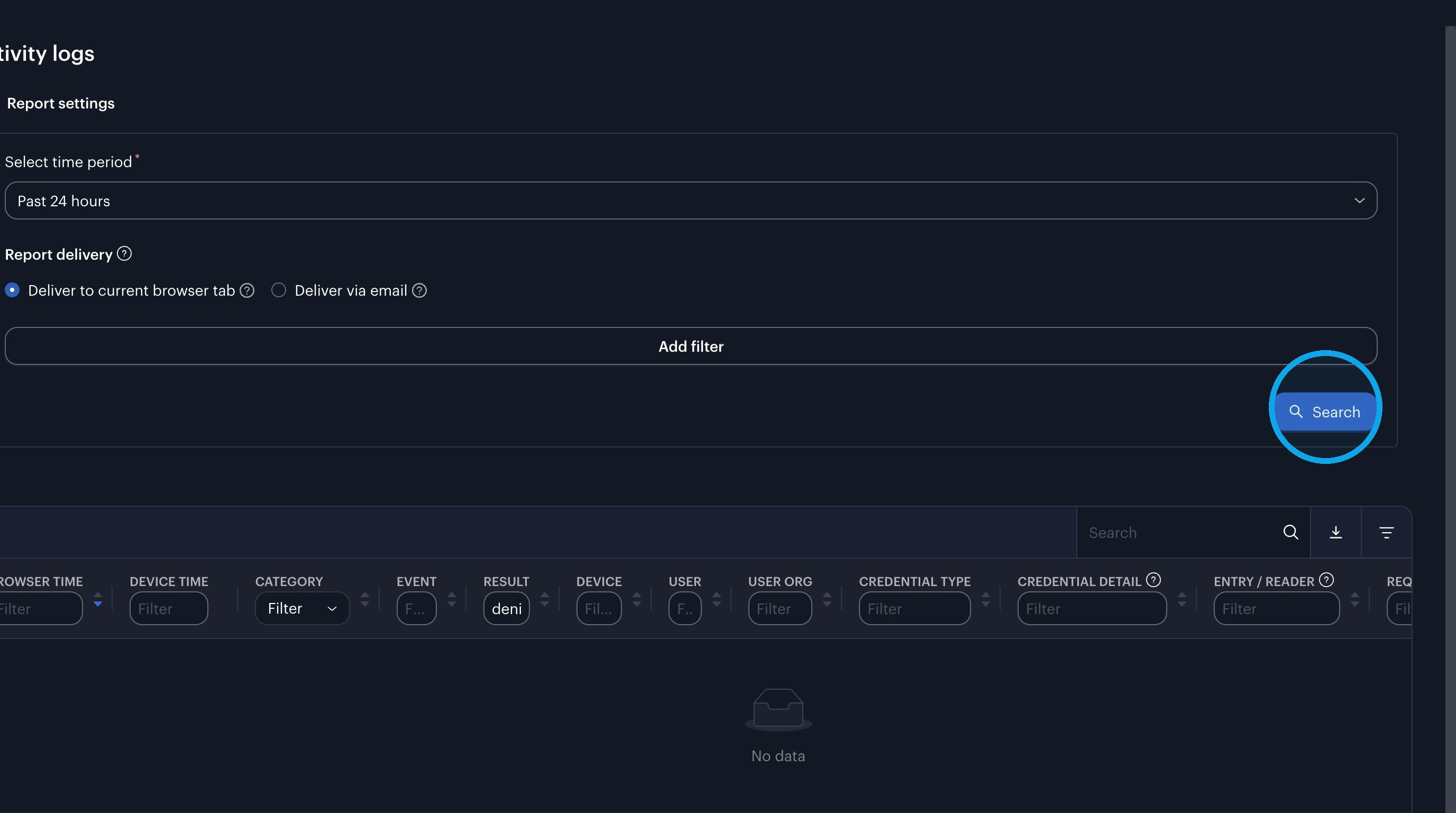
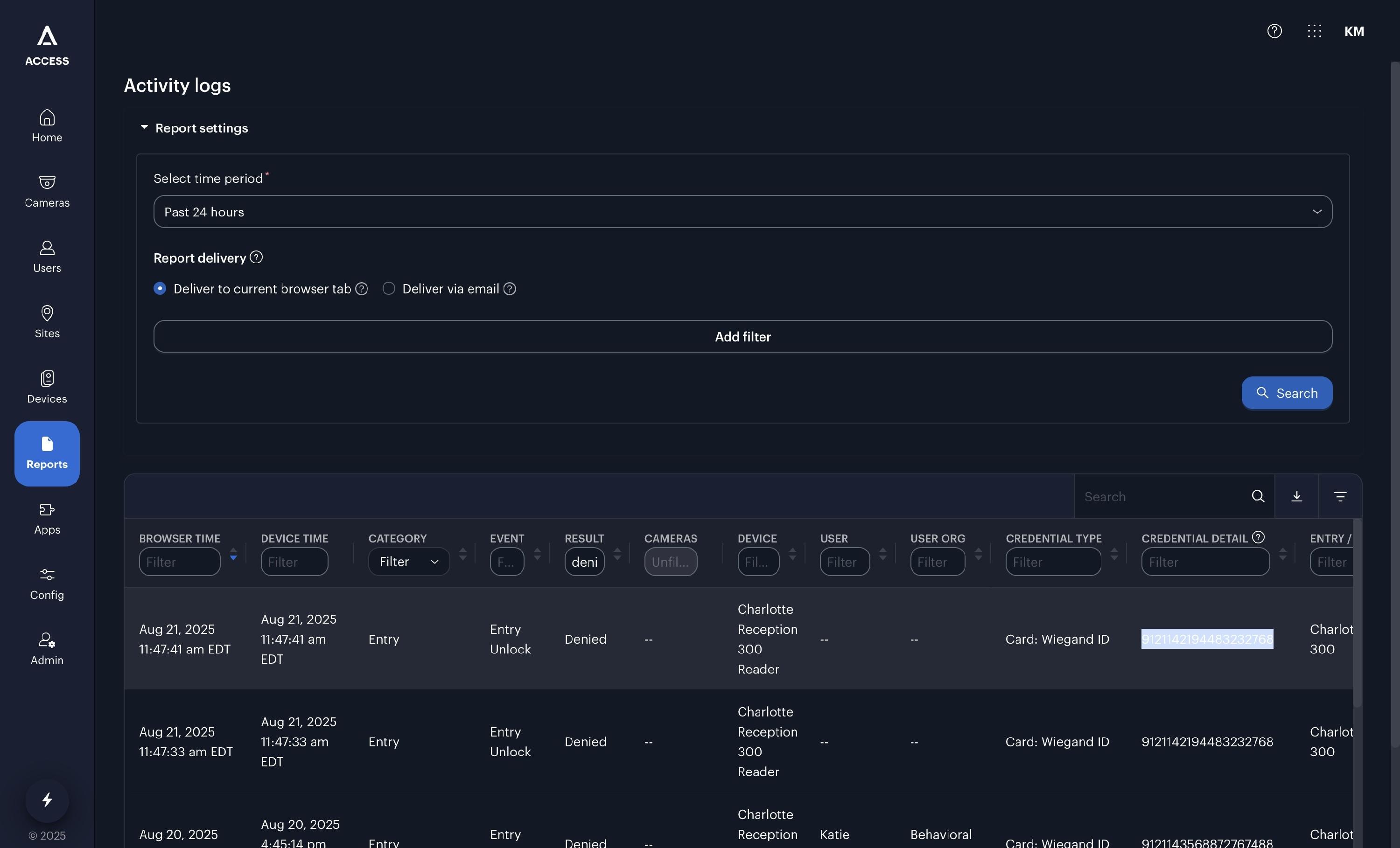
4. Click "9121142194483232768"
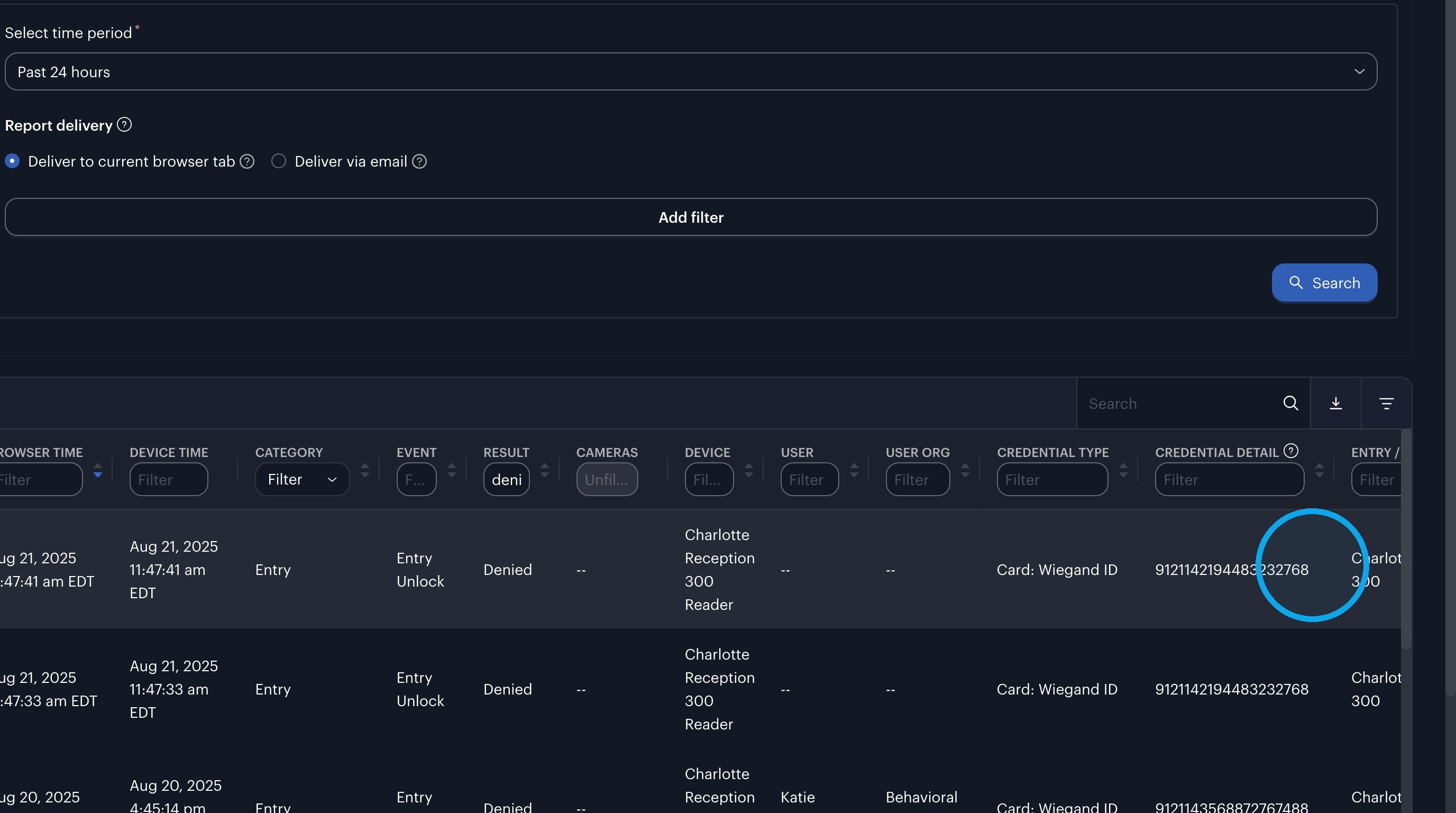
5. Press [[cmd]] + [[c]]
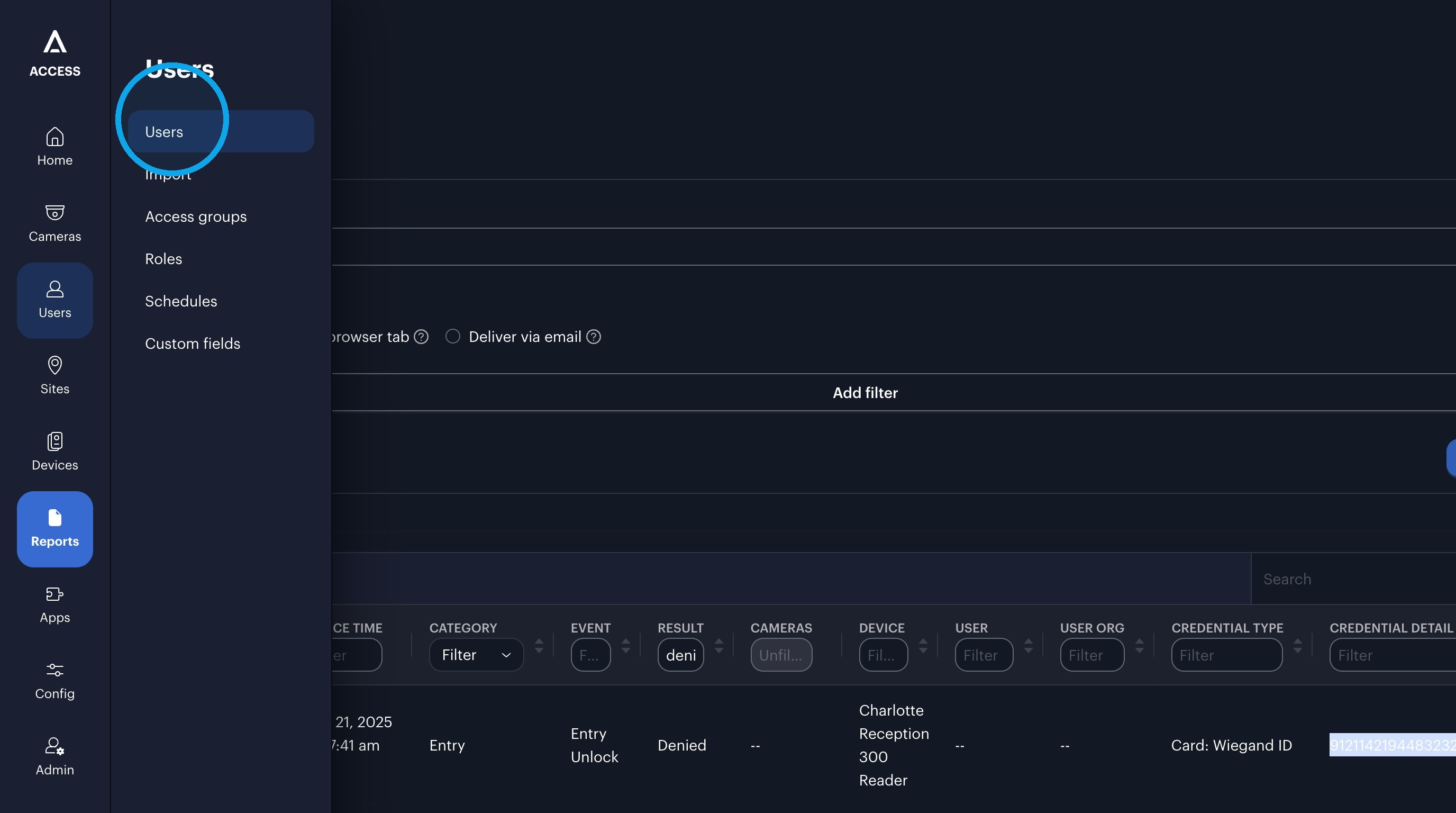
6. Click "Users"
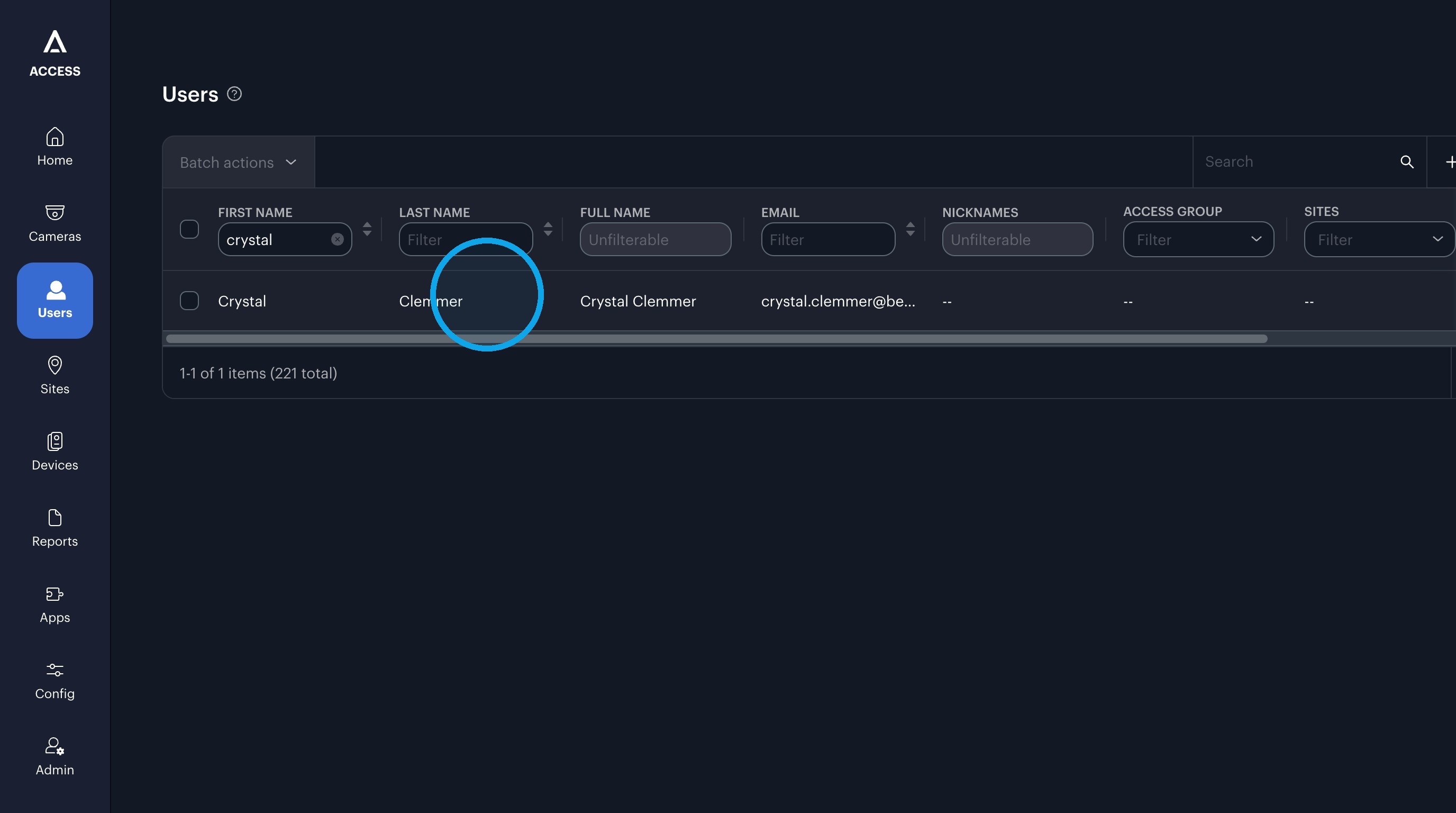
7. Click "Clemmer"
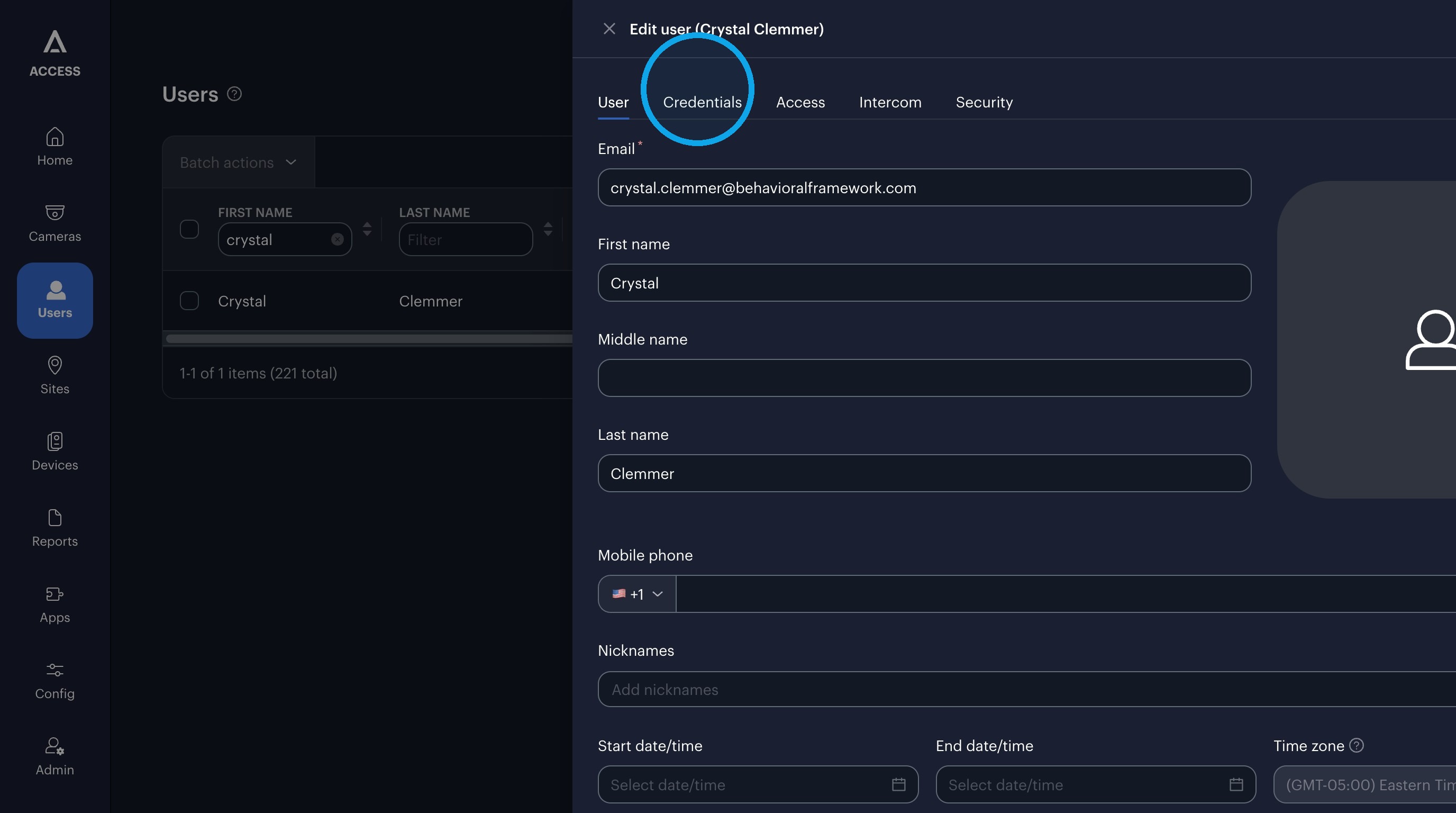
8. Click "Credentials"
9. Click this search field.
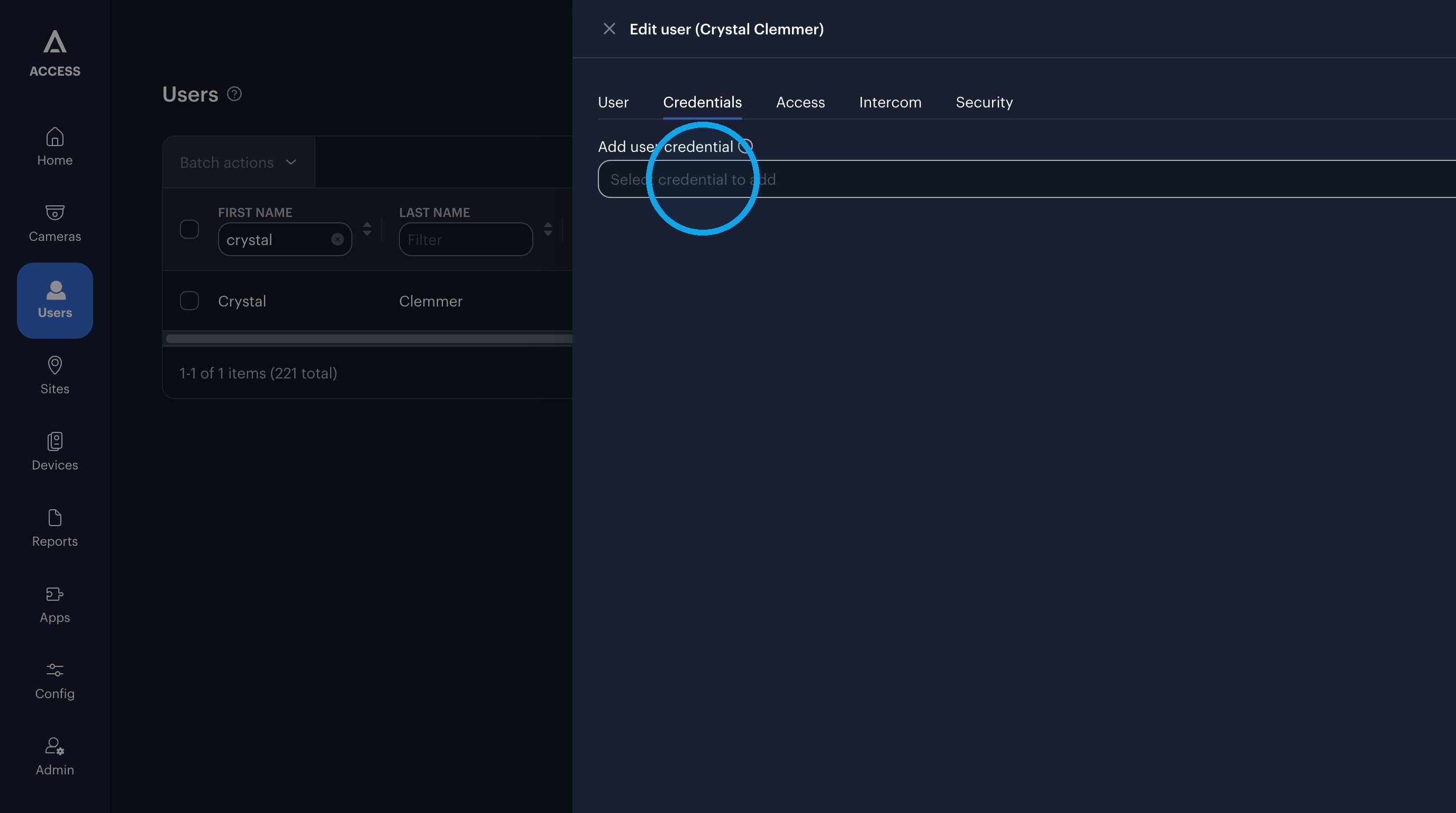
10. Click "Card: Wiegand ID"
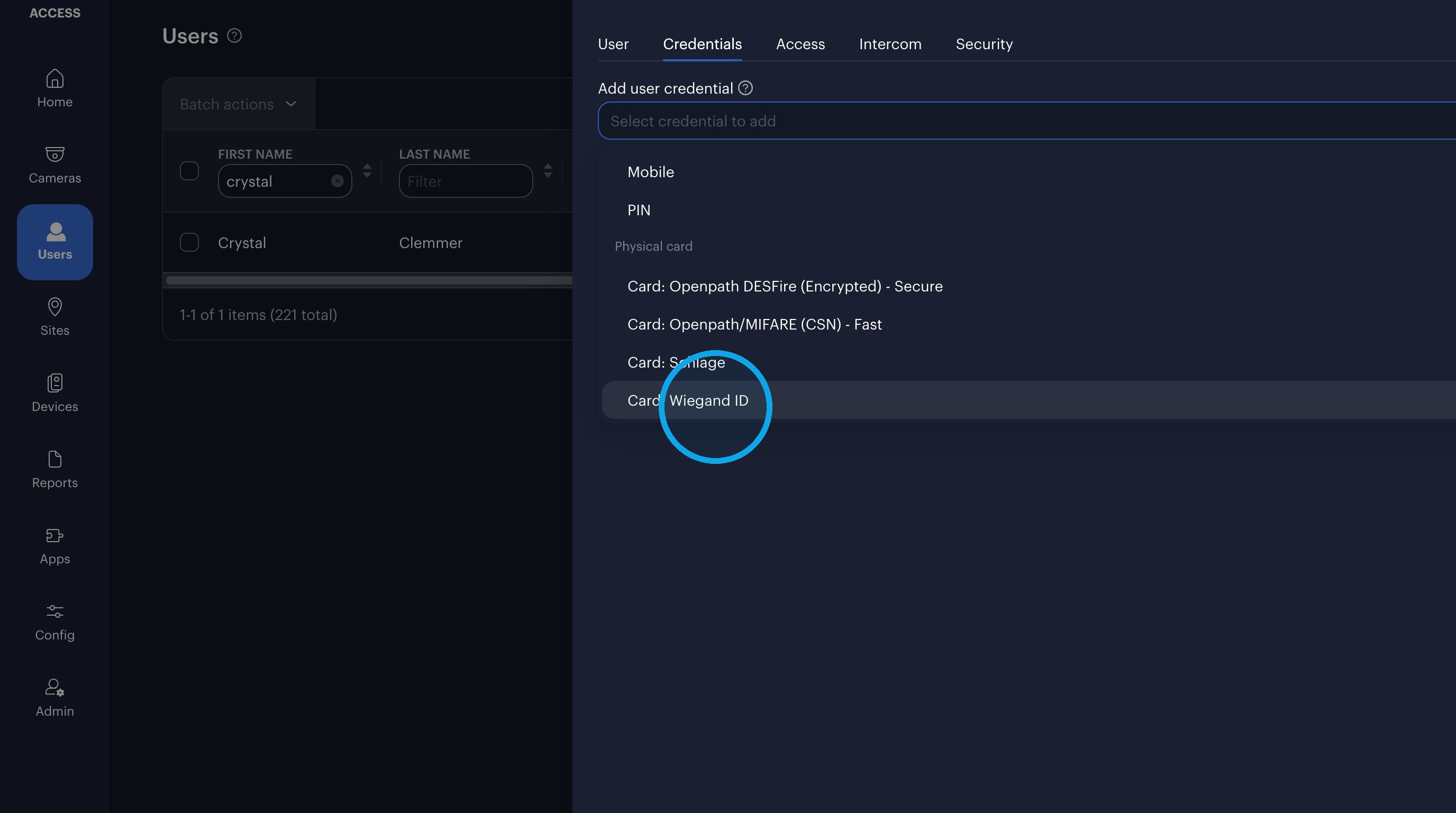
11. Click "Prox 26-bit (H10301)"
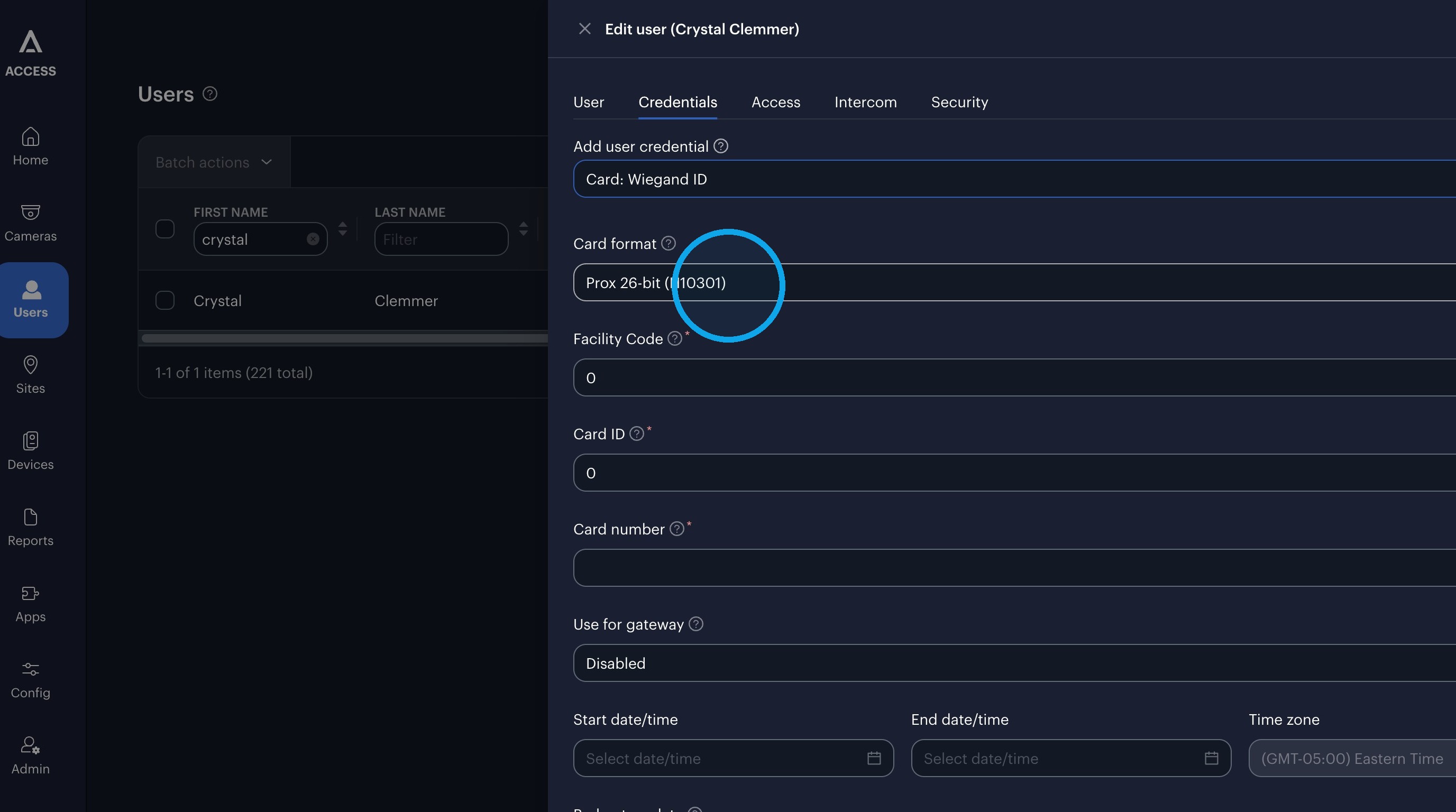
12. Click "Raw 64-bit"
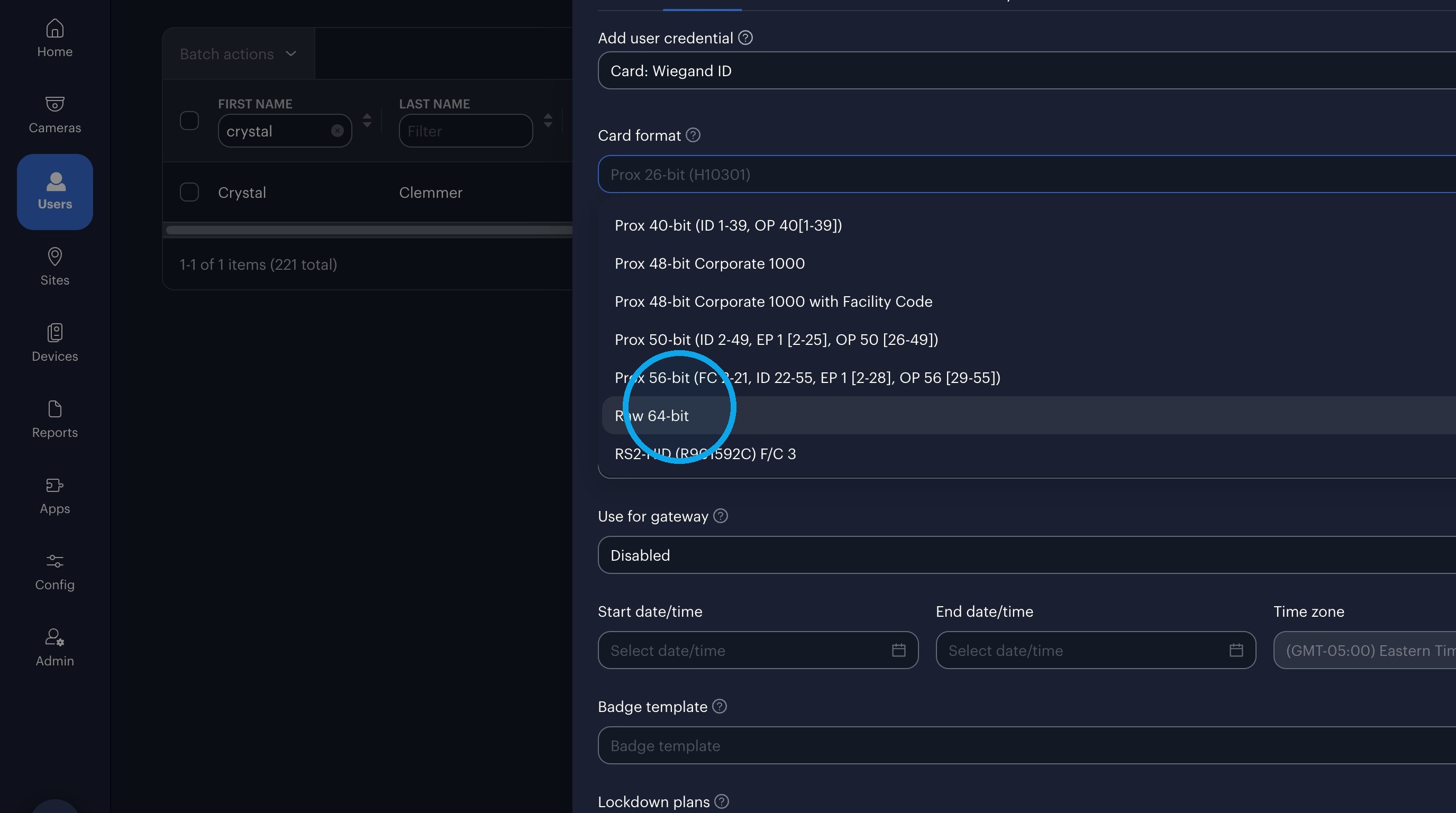
13. Click the "Card number" field.
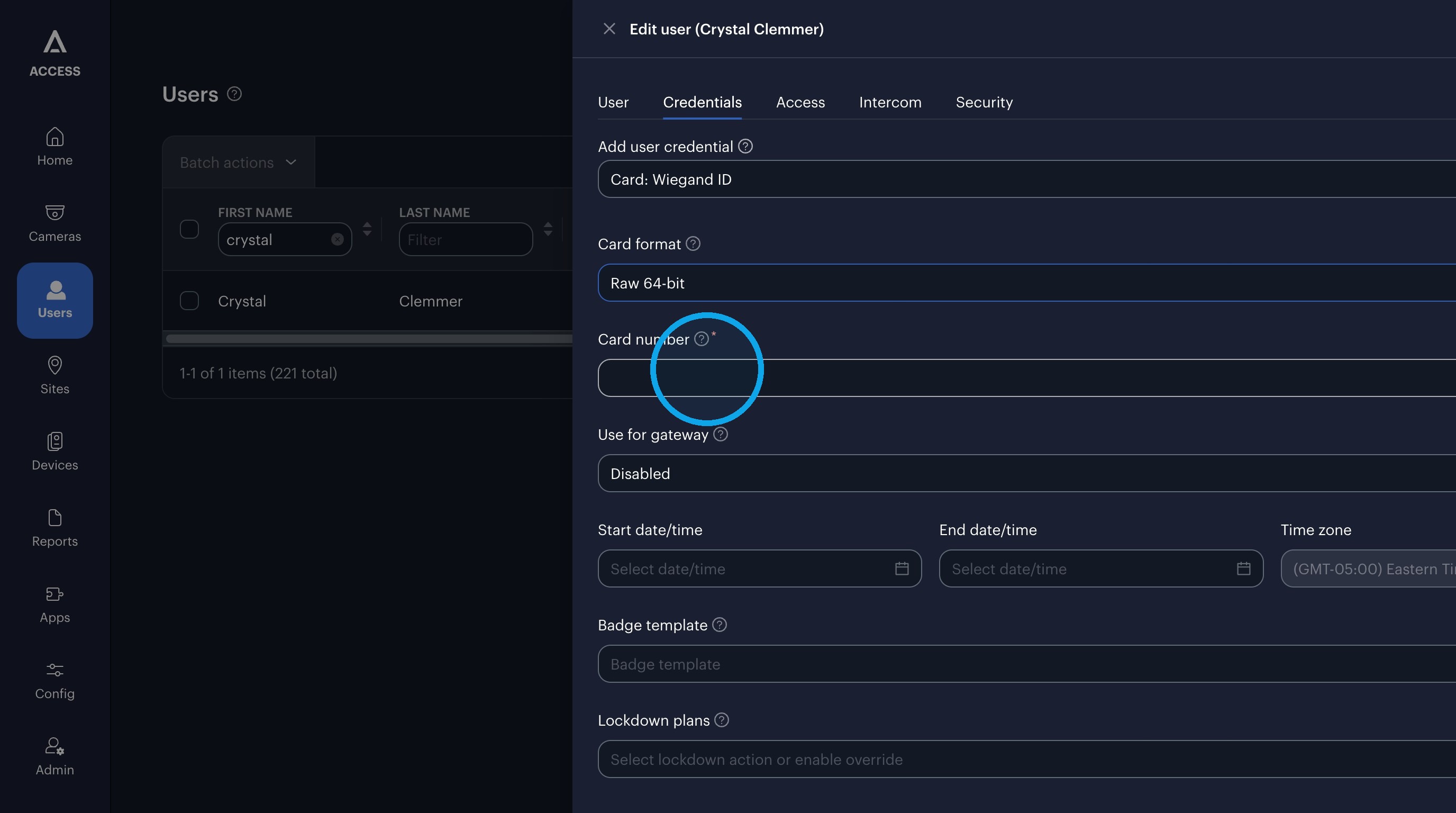
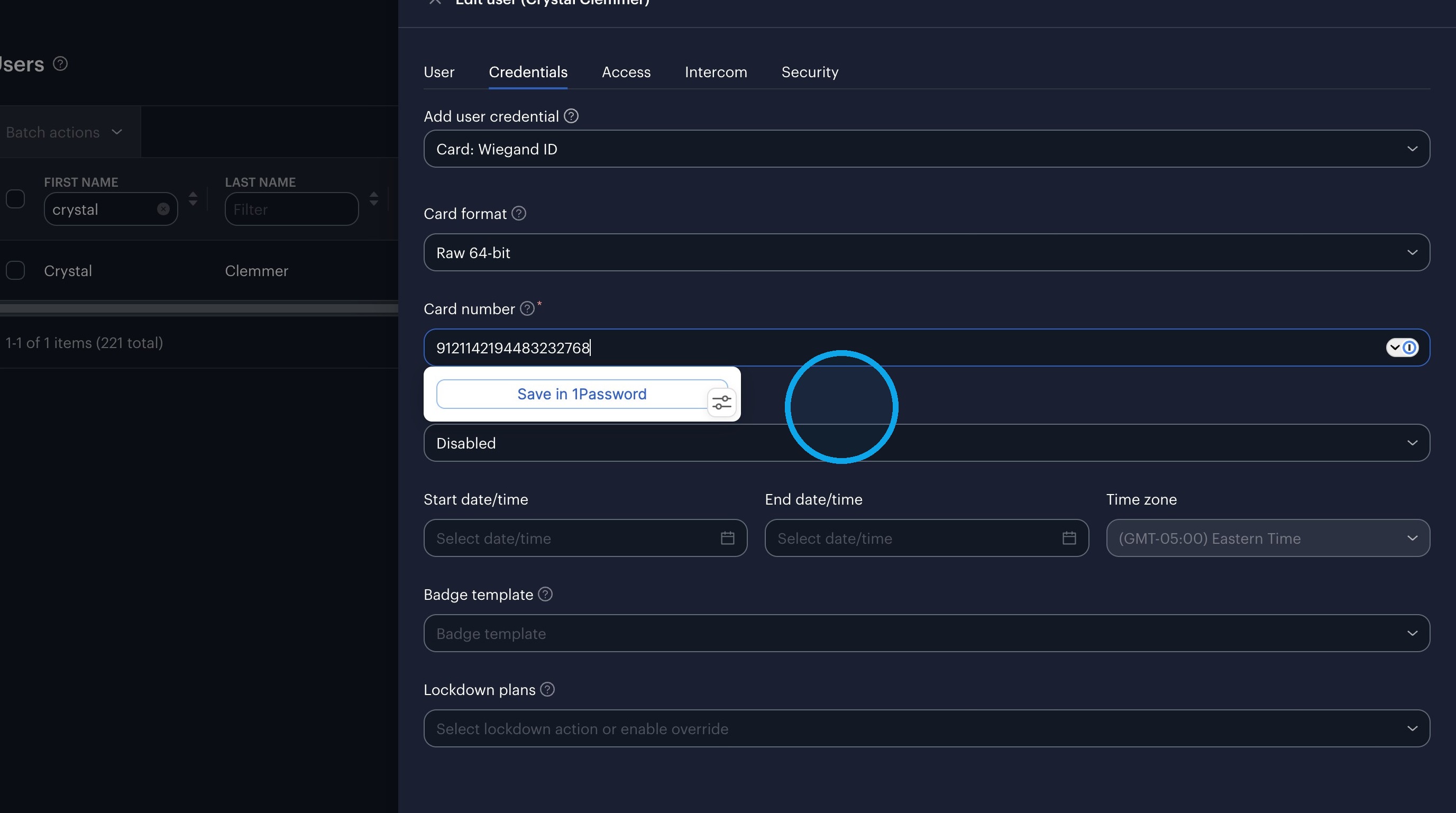
14. Press [[cmd]] + [[v]]
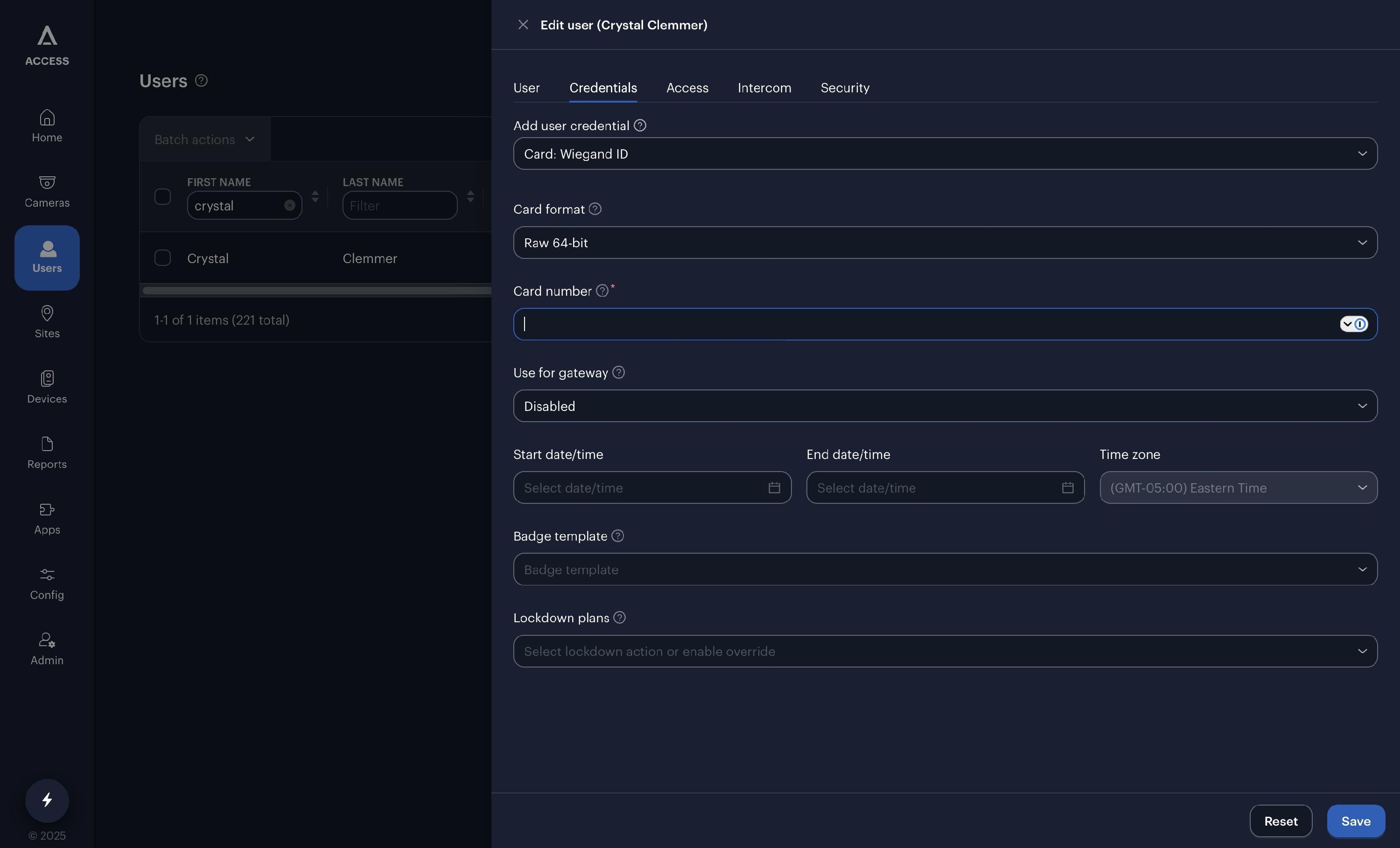
15. Click "Use for gateway"
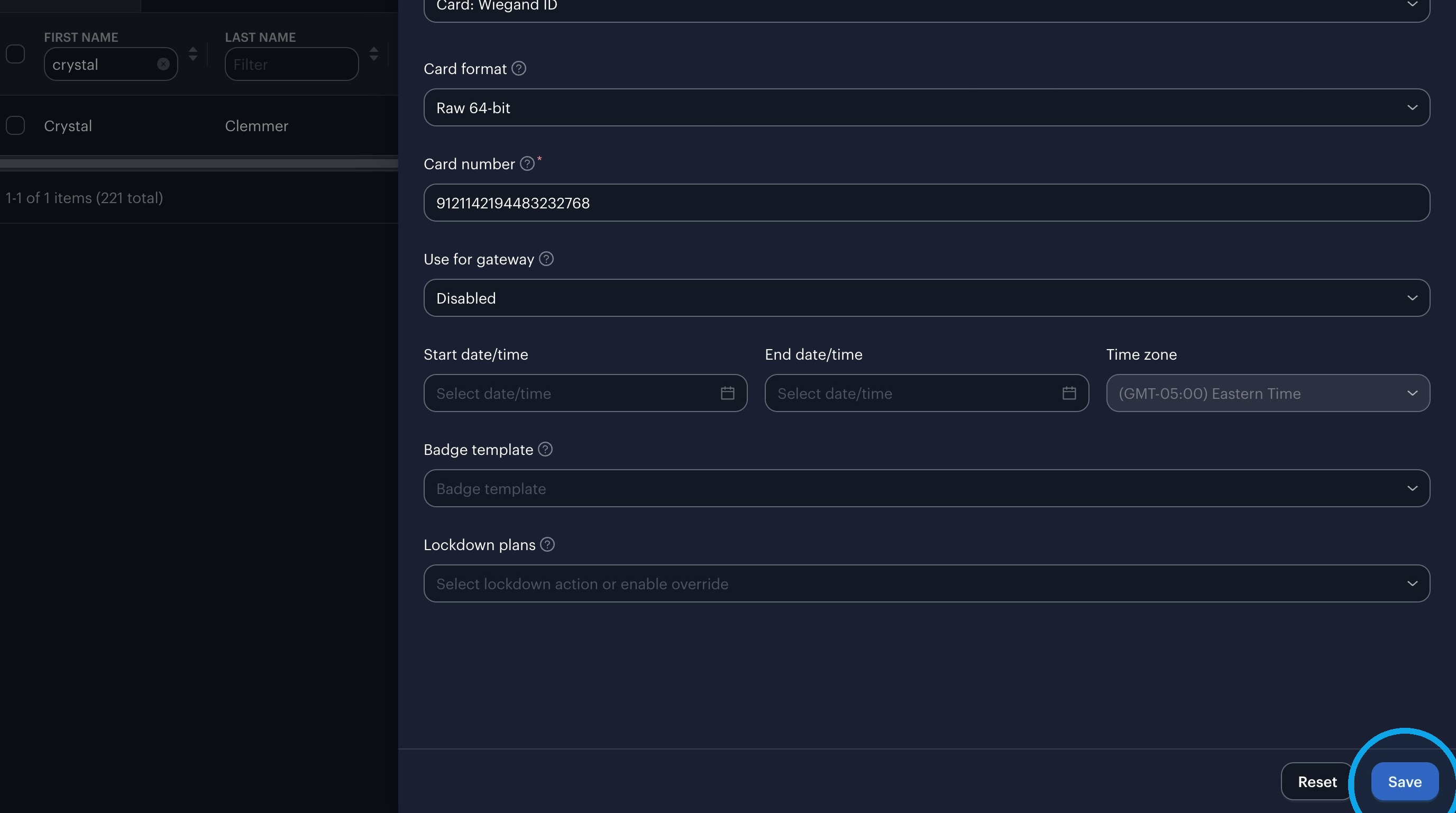
16. Click "Save"
17. Step
18. Click "Access"
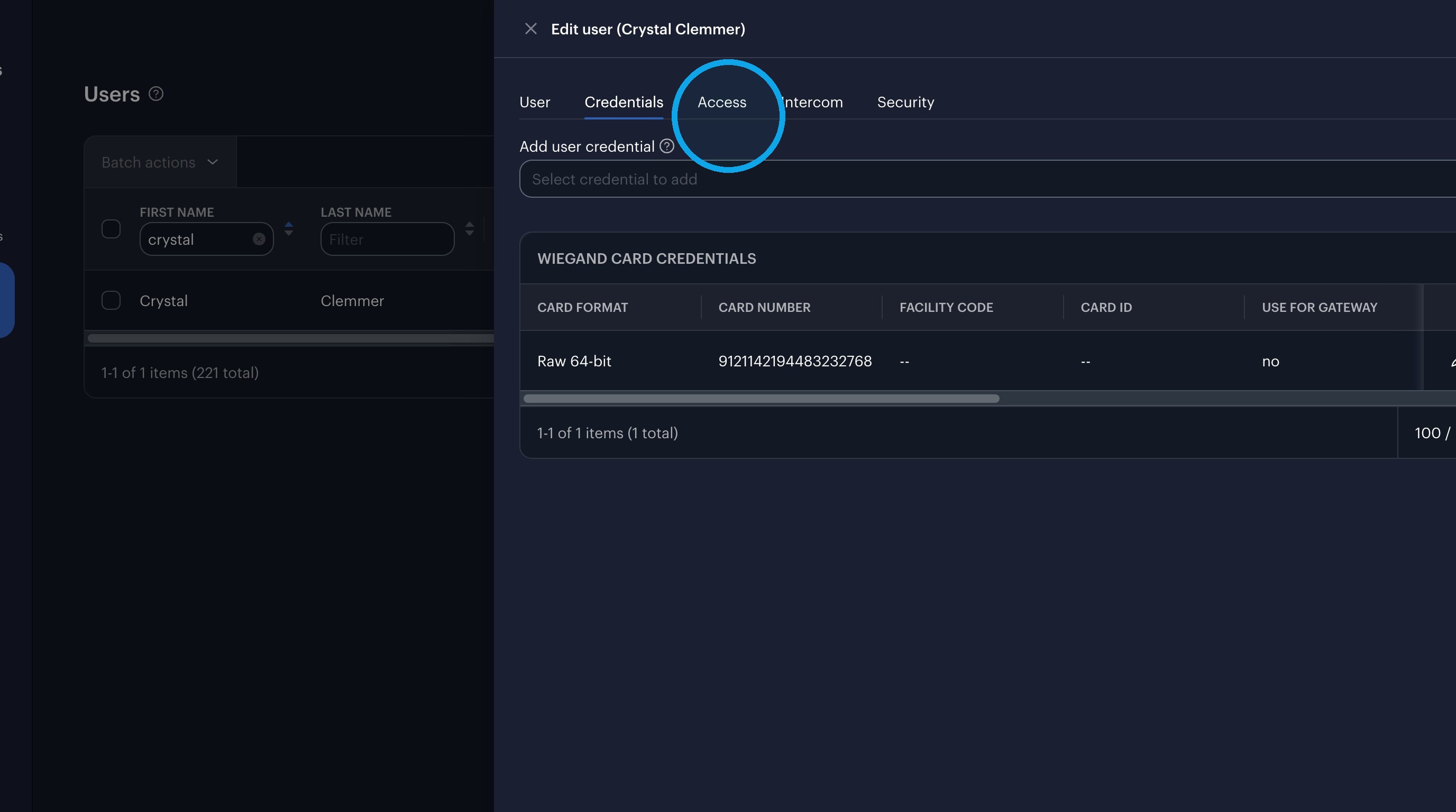
19. Click this icon.
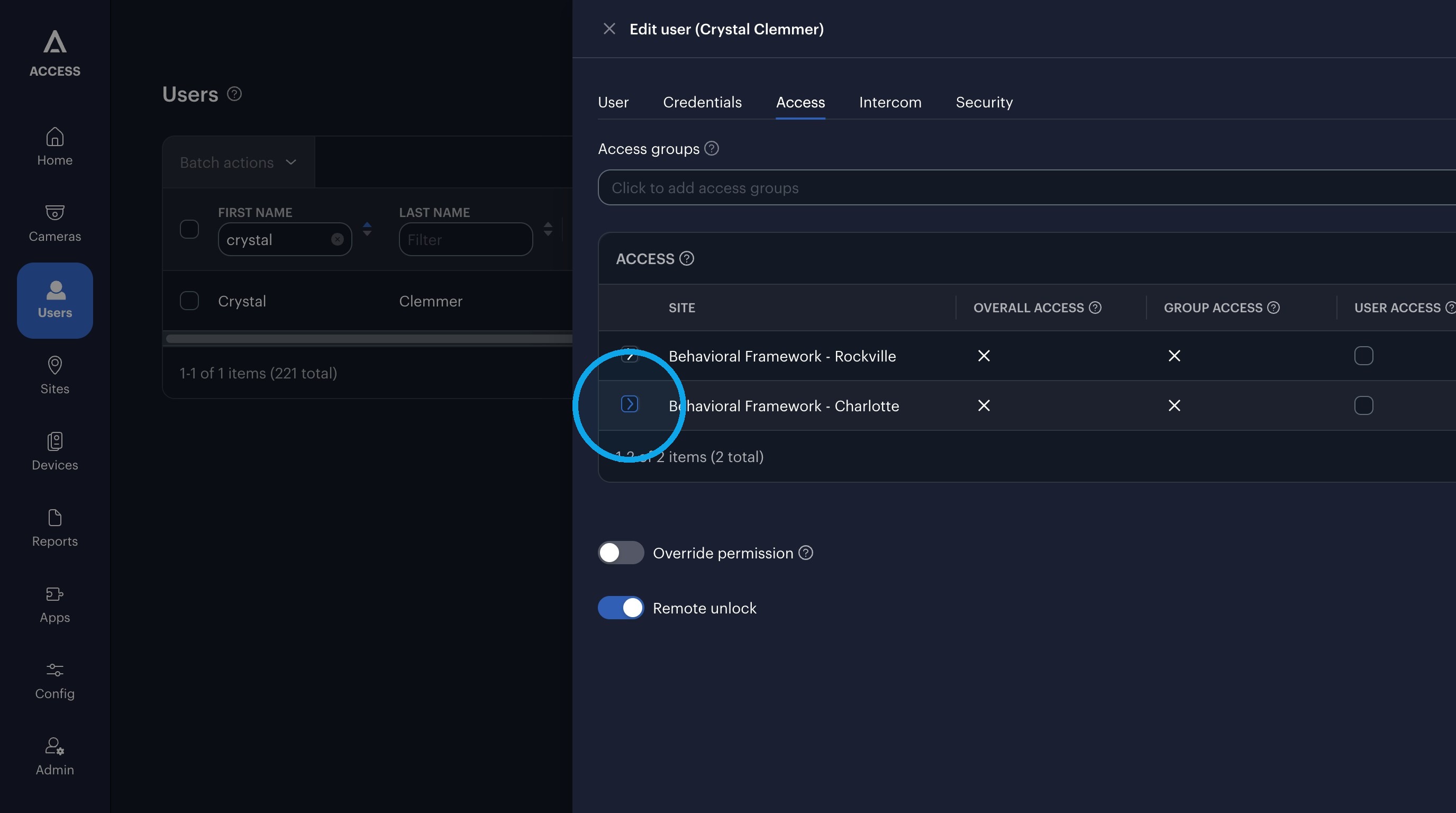
20. Click here.
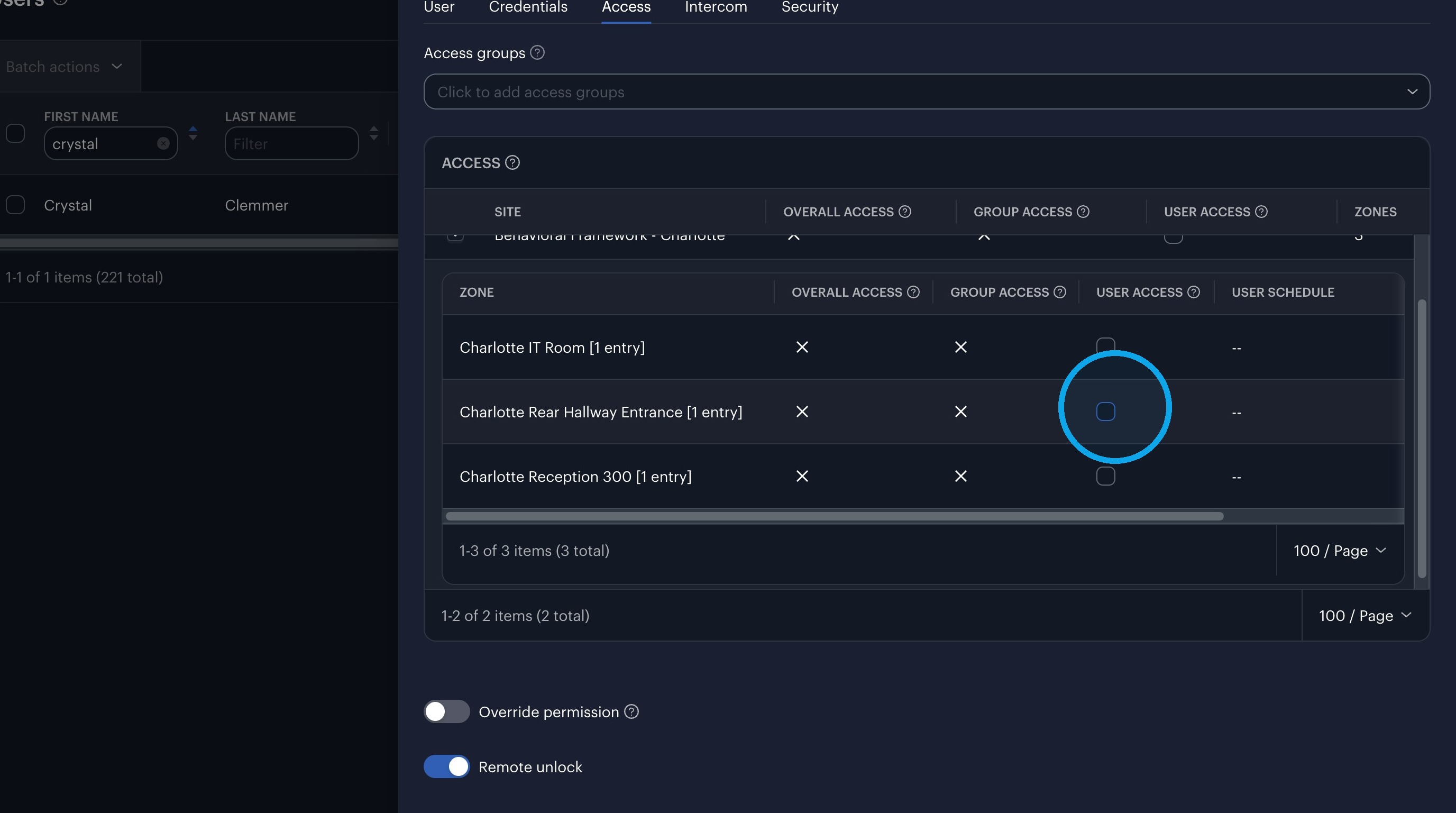
21. Click this checkbox.
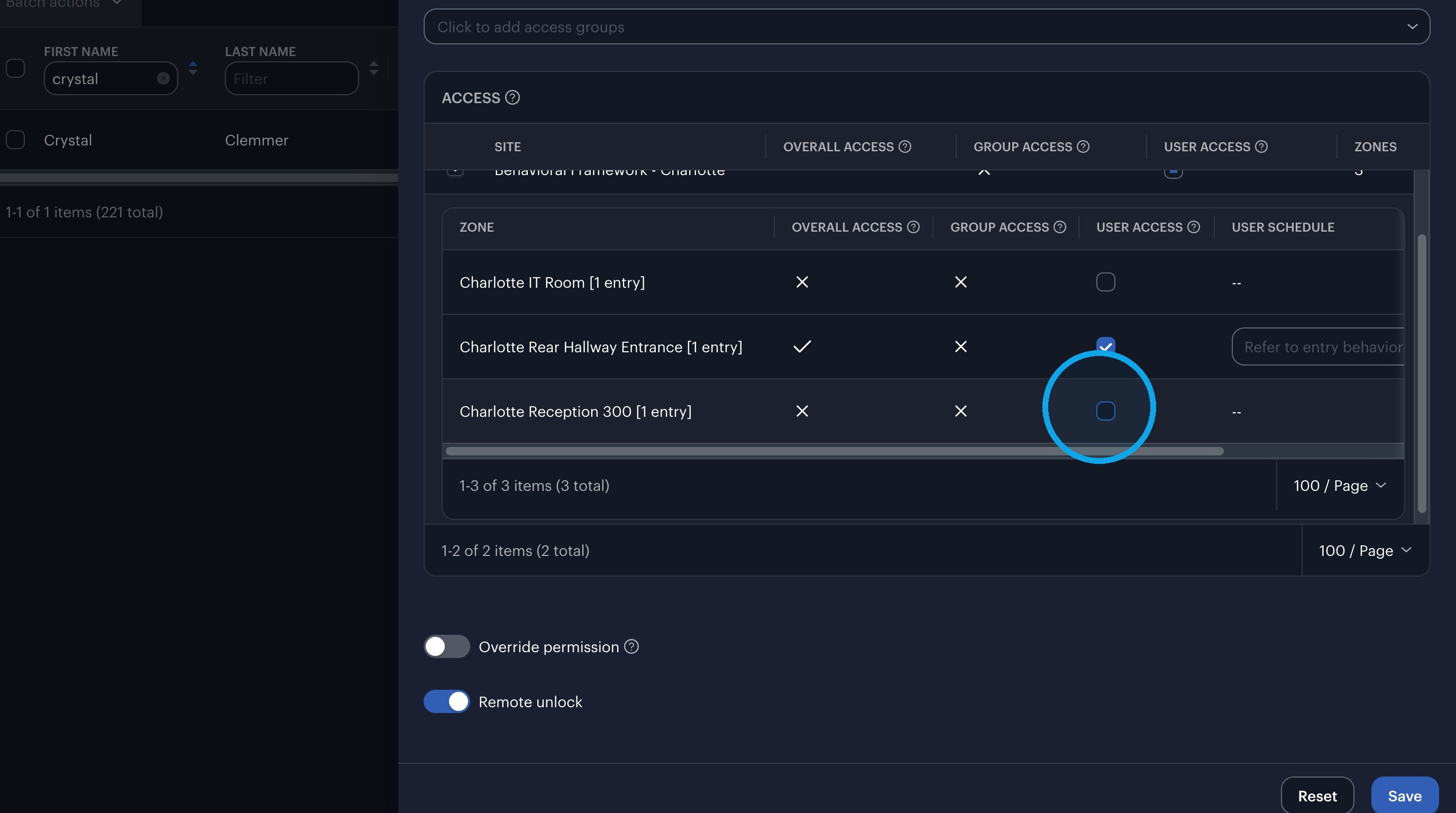
22. Click "Save"